
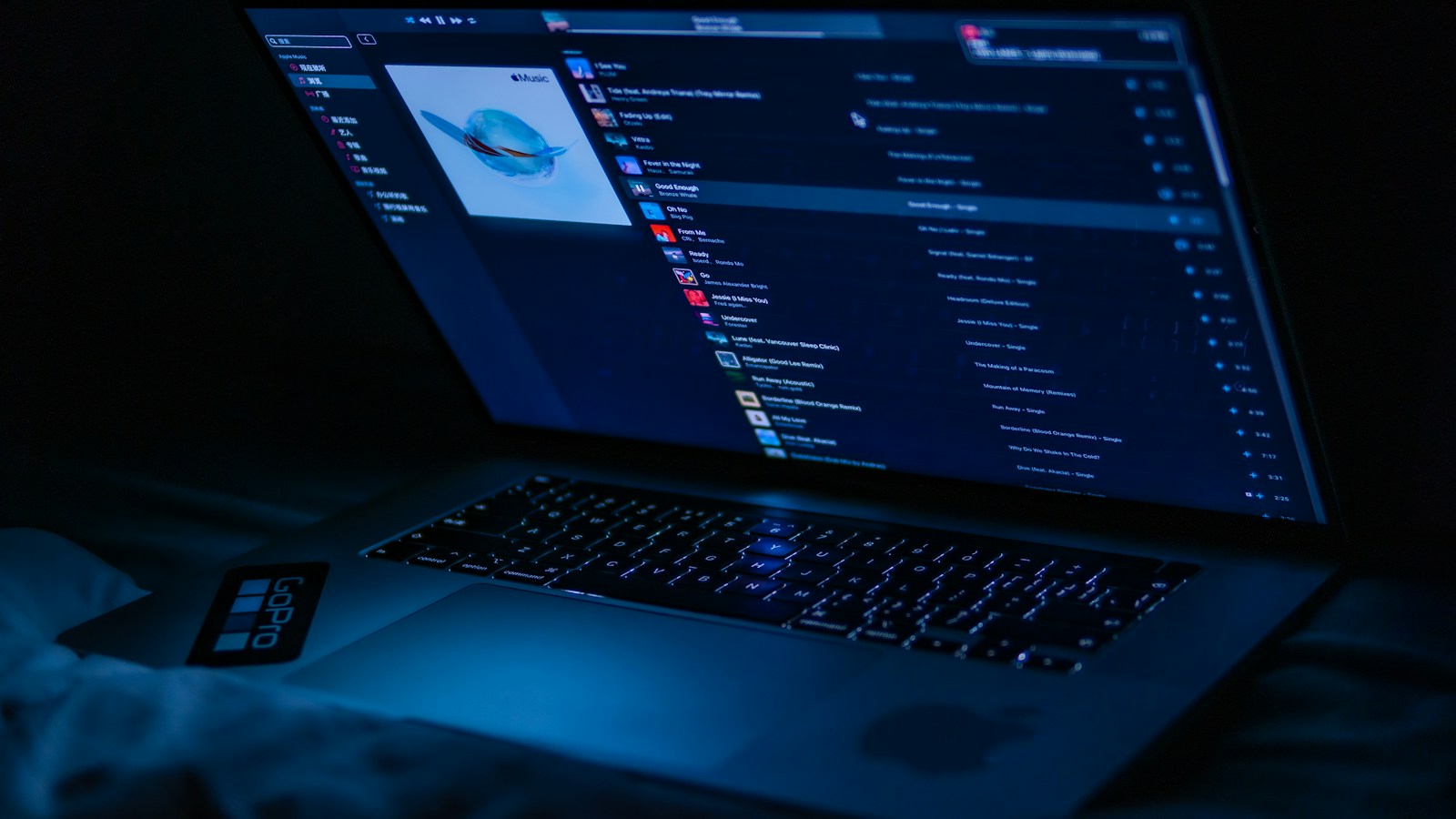
Apple announced two very different MacBook Pro families within 24 hours. The $1,999 14-inch model has the newer M6 chip, while the more expensive 14- and 16-inch PROLED XDR models use M5 Pro or M5 Max. That sounds backward until you separate chip generation from chip tier.
The M6 model is the entry MacBook Pro for buyers who want long battery life and current everyday performance. The PROLED machines are the redesigned professional tier, with a tandem OLED touchscreen, Thunderbolt 5, more memory options, and much higher starting prices. Here is how to choose without letting the number on the chip make the decision for you.
Why does the cheaper MacBook Pro have M6?
Apple’s 14-inch MacBook Pro with M6 starts at $1,999 in the United States. It has a 12-core CPU, 12-core GPU, 16GB of unified memory as standard, and configurations up to 32GB. Apple rates it for up to 24 hours of battery life. It also adds Wi-Fi 7 and Bluetooth 6, but retains the familiar Liquid Retina XDR display, three Thunderbolt 4 ports, and support for up to two external displays.
M6 is a newer generation name, not a promise that it beats every chip carrying an M5 badge. M5 Pro and M5 Max are larger professional-tier chips built for heavier graphics, memory, and sustained workloads. Apple has not published a simple benchmark that makes every configuration directly comparable, so buyers should choose by workload and features rather than assuming that six is always faster than five.
What PROLED XDR changes
The PROLED XDR MacBook Pro announcement introduces a larger redesign. Its tandem OLED panel uses two self-emissive pixel layers and reaches up to 2,000 nits peak brightness in both SDR and HDR. Apple lists a 10,000,000:1 contrast ratio, a variable 10Hz to 120Hz refresh rate, and support for both P3 and Adobe RGB color spaces.
Because each OLED pixel controls its own light, black areas do not have the halos that can appear around bright objects on mini-LED displays. This is the same broad tandem-OLED direction that makes the new OLED iPad mini interesting, but the MacBook Pro panel adds professional calibration, wider color coverage, and much higher sustained display ambitions.
PROLED is also the first touchscreen Mac. macOS 27 translates ordinary touches into clicks, while updated apps can use dedicated gestures. A Dynamic Island replaces the traditional notch and houses Spotlight, Live Activities, and Siri AI. Those changes are unavailable on the M6 entry model.
Ports, displays, memory, and weight
The PROLED models include three Thunderbolt 5 ports, HDMI, MagSafe, an SDXC slot, and a headphone jack. M5 Pro supports up to three external displays, while M5 Max supports up to four. Configurations reach 128GB of unified memory and 16TB of storage.
The redesign is also lighter. Apple lists the 14-inch PROLED model at 3 pounds and the 16-inch at 4 pounds. Both are thinner than the previous design. Battery life remains rated at up to 24 hours, although real endurance will vary with brightness, workload, and configuration.
Fast charging still depends on the adapter and cable. Our USB-C Power Delivery guide explains why a cable that fits does not automatically deliver the wattage a laptop expects.
The price gap is substantial
- 14-inch MacBook Pro with M6: starts at $1,999.
- 14-inch PROLED XDR with M5 Pro: starts at $2,899.
- 16-inch PROLED XDR with M5 Pro: starts at $3,399.
- 14-inch PROLED XDR with M5 Max: starts at $4,499.
- 16-inch PROLED XDR with M5 Max: starts at $4,799.
All models are scheduled to reach US customers and stores on November 6. The $900 jump from the base M6 model to the least expensive PROLED configuration pays for more than a display. It also buys the Pro-tier chip, Touch, Thunderbolt 5, additional external-display support, and a redesigned chassis.
Which MacBook Pro should you buy?
Choose the M6 model for school, office work, coding, photo editing, and occasional video projects when 32GB of memory and two external displays are enough. It offers the newest base chip and the lowest price without giving up the MacBook Pro’s battery life, ports, or mini-LED HDR screen.
Choose PROLED XDR if the display itself earns money for you, Touch changes your creative workflow, or you need more memory, storage, external monitors, or sustained GPU performance. The M5 label is not a downgrade in that context. It identifies a higher chip tier inside a far more ambitious machine.