
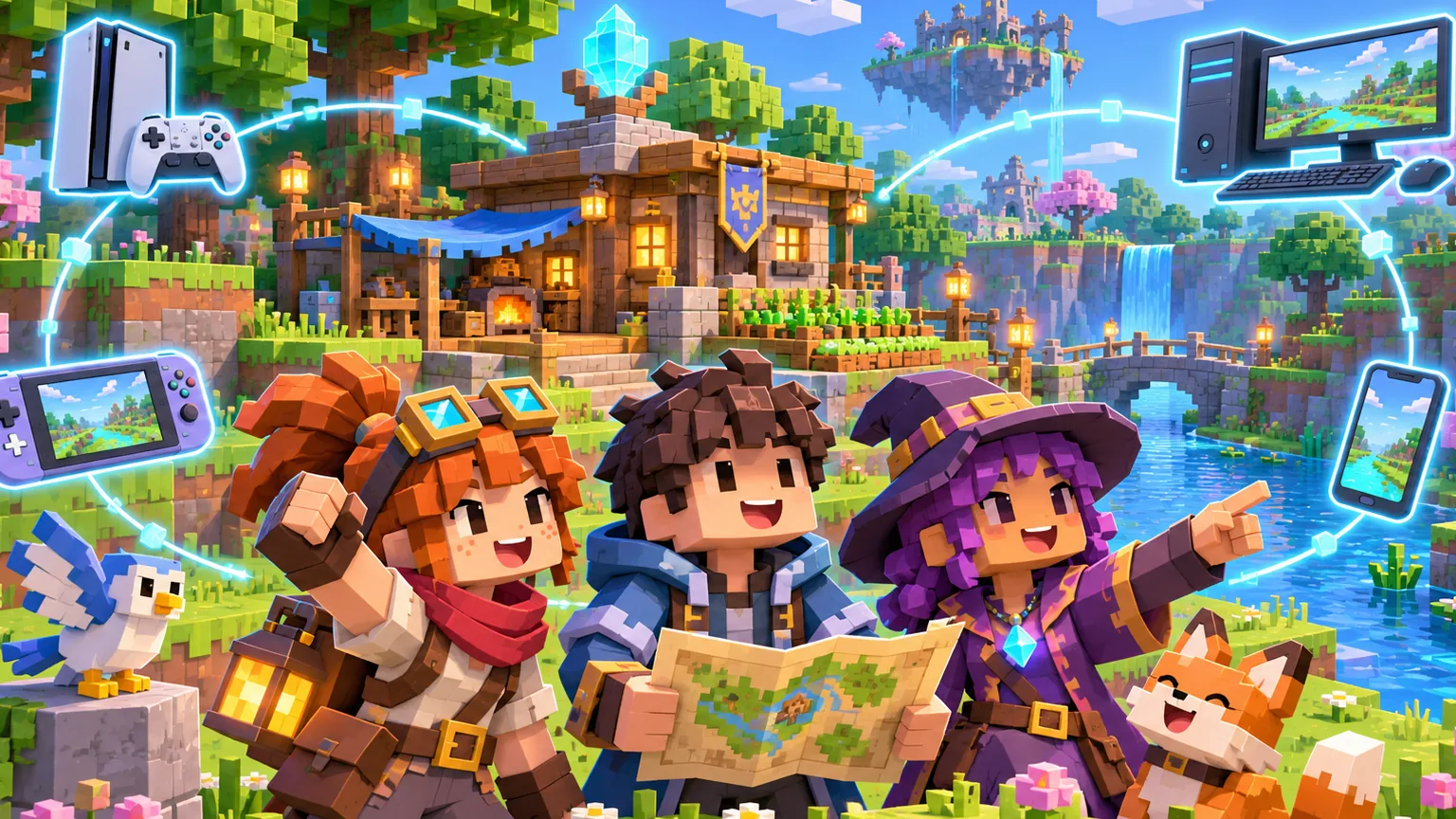
Minecraft crossplay works across PS5, PS4, Xbox, Nintendo Switch, Windows PC, Android, and iPhone when everyone uses Minecraft: Bedrock Edition. Players also need Microsoft accounts connected to the game.
Java Edition cannot directly join a Bedrock world. Before troubleshooting invitations, confirm that the PC player launches Bedrock from the Minecraft Launcher rather than Java Edition. Our Java versus Bedrock comparison explains the important differences.
What every player needs for Minecraft crossplay
- Minecraft: Bedrock Edition updated to the current version
- A Microsoft account signed in inside Minecraft
- Each friend’s Microsoft gamertag
- Online multiplayer allowed in account privacy settings
- An online subscription for console multiplayer
According to the official Minecraft account requirements, PlayStation also needs a PlayStation Network account, Switch needs a Nintendo account, and mobile devices use their platform store accounts. The Microsoft account connects the Bedrock friend list across those systems.
Console players need the platform’s online service: PlayStation Plus, Nintendo Switch Online, or an Xbox subscription that includes online console multiplayer. Windows and mobile players do not need those console subscriptions.
How to add a cross-platform friend
- Open Minecraft and sign in with your Microsoft account.
- Select Play, then open the Friends tab.
- Select Add Friend or Find Cross-Platform Friends.
- Enter the person’s exact Microsoft gamertag.
- Add the account and ask your friend to accept if required.
A PlayStation ID, Nintendo nickname, or Xbox profile name may differ from the Microsoft gamertag used inside Minecraft. Ask your friend to read the name shown on the Minecraft profile screen instead of guessing.
How to join the friend’s Bedrock world
The host must open the world, enable multiplayer, and allow friends to join. Other players can then select Play, open Friends, and choose the host under Joinable Cross-Platform Friends.
Minecraft’s official Bedrock joining guide says both players must be online and friends in Minecraft. A normal world is available only while the host is playing. If the group wants an always-online world, compare that setup with our Minecraft Realms versus server guide.
Why a Minecraft friend does not appear
- Different editions: Java and Bedrock do not share ordinary multiplayer worlds.
- Different versions: update Minecraft on every device before reconnecting.
- Privacy restrictions: allow multiplayer and cross-network play in the Microsoft account settings.
- Child account controls: a family organizer may need to approve online play and adding friends.
- World settings: the host must enable multiplayer and choose a permission level that allows the friend.
- Console subscription expired: renew or verify the service used for online multiplayer.
On PlayStation, one Microsoft account can be associated with the linked PlayStation account. Signing into the wrong Microsoft account is a common cause of missing worlds and purchases, so check the gamertag before unlinking anything.
Do you need a Realm for crossplay?
No. A Realm is optional. Friends can join a normal Bedrock world for free when the host is online, although console subscriptions still apply. A Realm is useful when players want the world available without the owner actively hosting it.
The simplest setup is Bedrock on every device, one Microsoft account per player, correct gamertags, matching game versions, and multiplayer permissions enabled. Once those five pieces match, PS5, Xbox, Switch, Windows PC, and mobile players can build in the same world.