
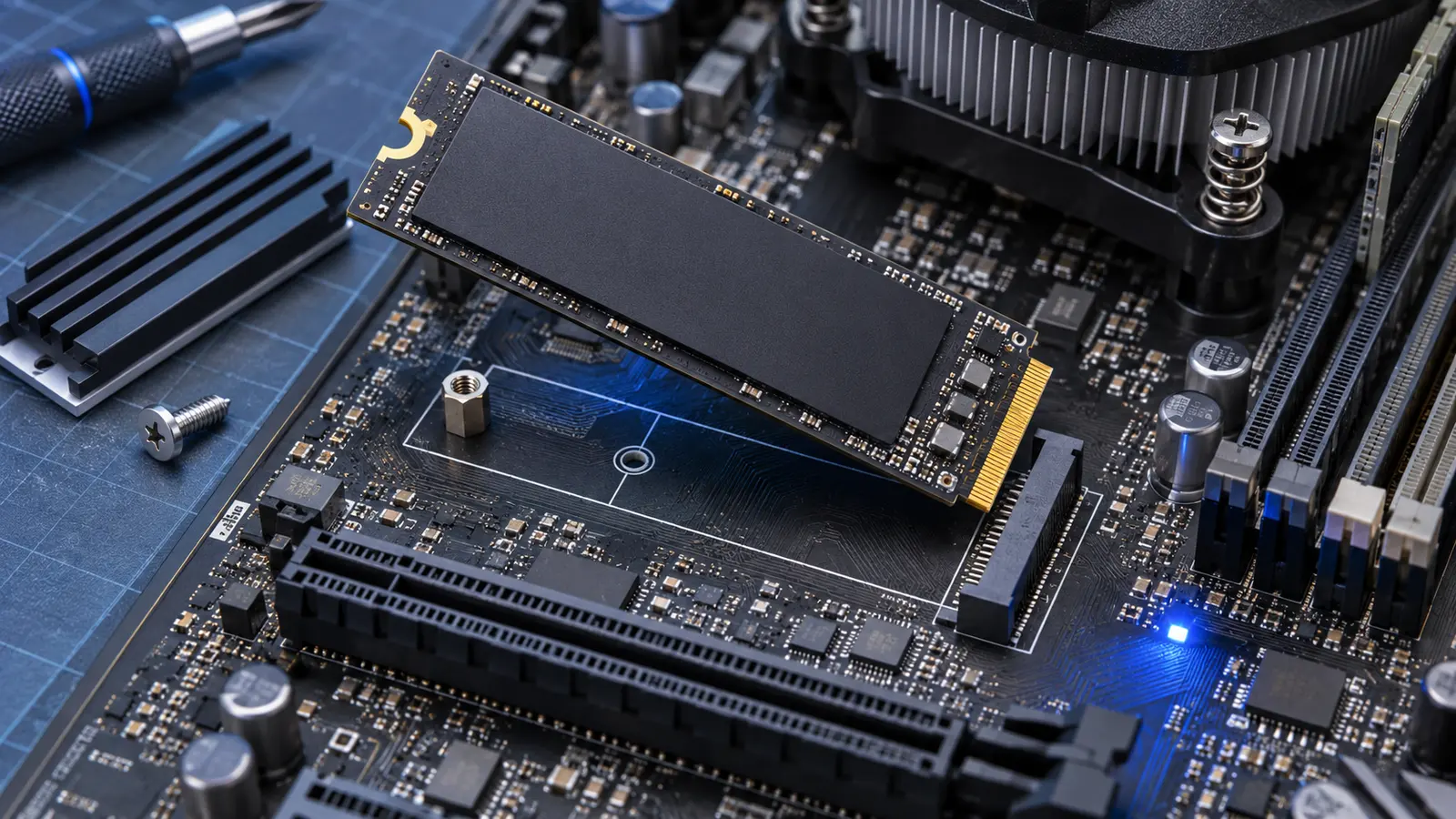
Yes, a PCIe 4.0 NVMe SSD will usually work in a PCIe 3.0 M.2 slot. PCI Express is backward compatible, so the drive and motherboard negotiate the fastest generation they both support. In this combination, the SSD operates at PCIe 3.0 speed rather than its advertised PCIe 4.0 maximum.
Compatibility still depends on more than the generation number. The slot must support PCIe NVMe storage, the physical size must fit, and the system firmware must recognize the drive. Check those details before assuming every M.2 socket accepts every M.2 SSD.
What speed will a PCIe 4.0 SSD reach in a Gen 3 slot?
Kingston’s PCIe generation guide lists about 1 GB/s of theoretical bandwidth per lane for PCIe 3.0 and 2 GB/s per lane for PCIe 4.0. A typical NVMe SSD uses four lanes, written as x4, so the theoretical link bandwidth is roughly 4 GB/s on Gen 3 versus 8 GB/s on Gen 4.
Real transfer rates are lower because protocol overhead, the controller, NAND flash, temperature, queue depth, and workload all matter. A fast Gen 4 drive rated above 7,000 MB/s may top out around the practical Gen 3 x4 range in an older slot. It is not damaged or misconfigured simply because a benchmark cannot reach the number printed on the box.
The difference looks large in sequential benchmarks, but normal game loading and everyday Windows use do not scale perfectly with headline bandwidth. Small-file access, CPU work, decompression, and the game engine can become the limit. You will lose peak transfer speed, not the SSD’s basic responsiveness or stored data.
Check that the M.2 slot supports NVMe
M.2 describes the connector and card shape, not the storage protocol. Some older laptops and motherboards have an M.2 slot that supports SATA drives only. A PCIe NVMe SSD will not work in a SATA-only socket even if the card appears close to the right size.
Read the motherboard or laptop manual and look for wording such as “PCIe 3.0 x4,” “NVMe,” or “Socket 3, M key.” Also check the supported lengths. The common desktop size is M.2 2280, meaning 22 mm wide and 80 mm long, but compact systems may require 2230, 2242, or 2260.
Some slots share lanes with SATA ports or another expansion slot. Installing an NVMe drive may disable one or two SATA connectors, reduce another slot’s lane count, or work at x2 instead of x4. The manual’s storage table is more reliable than the shape of the socket.
Will the SSD work as a boot drive?
A system can sometimes recognize an NVMe SSD as secondary storage but lack firmware support for booting from it. This is mainly a concern with older desktops that gained an M.2 adapter or early NVMe support. Update the BIOS only when the manufacturer provides a relevant update and follow its instructions carefully.
Before replacing your current drive, create a verified backup and decide whether you will clone Windows or perform a clean installation. After installation, confirm that the drive appears in the BIOS and Windows Disk Management. A new blank SSD may need to be initialized before File Explorer shows it.
Should you buy Gen 4 for a Gen 3 computer?
A Gen 4 SSD makes sense when it costs about the same as a comparable Gen 3 model, offers better endurance, or will move into a newer PC later. Full Gen 4 performance requires a compatible CPU, motherboard, slot, and drive, but buying the drive now can preserve that upgrade path.
Do not pay a large premium solely for a speed your current system cannot use. Compare capacity, warranty, controller quality, and endurance as well as interface generation. Our SSD TBW guide explains endurance ratings, while the Windows 11 TRIM guide covers the right way to maintain the drive after installation.
The short version is reassuring: Gen 4 in Gen 3 is normally safe and functional. Verify NVMe support, physical length, lane sharing, and boot support, then accept that the older link sets the speed ceiling.