
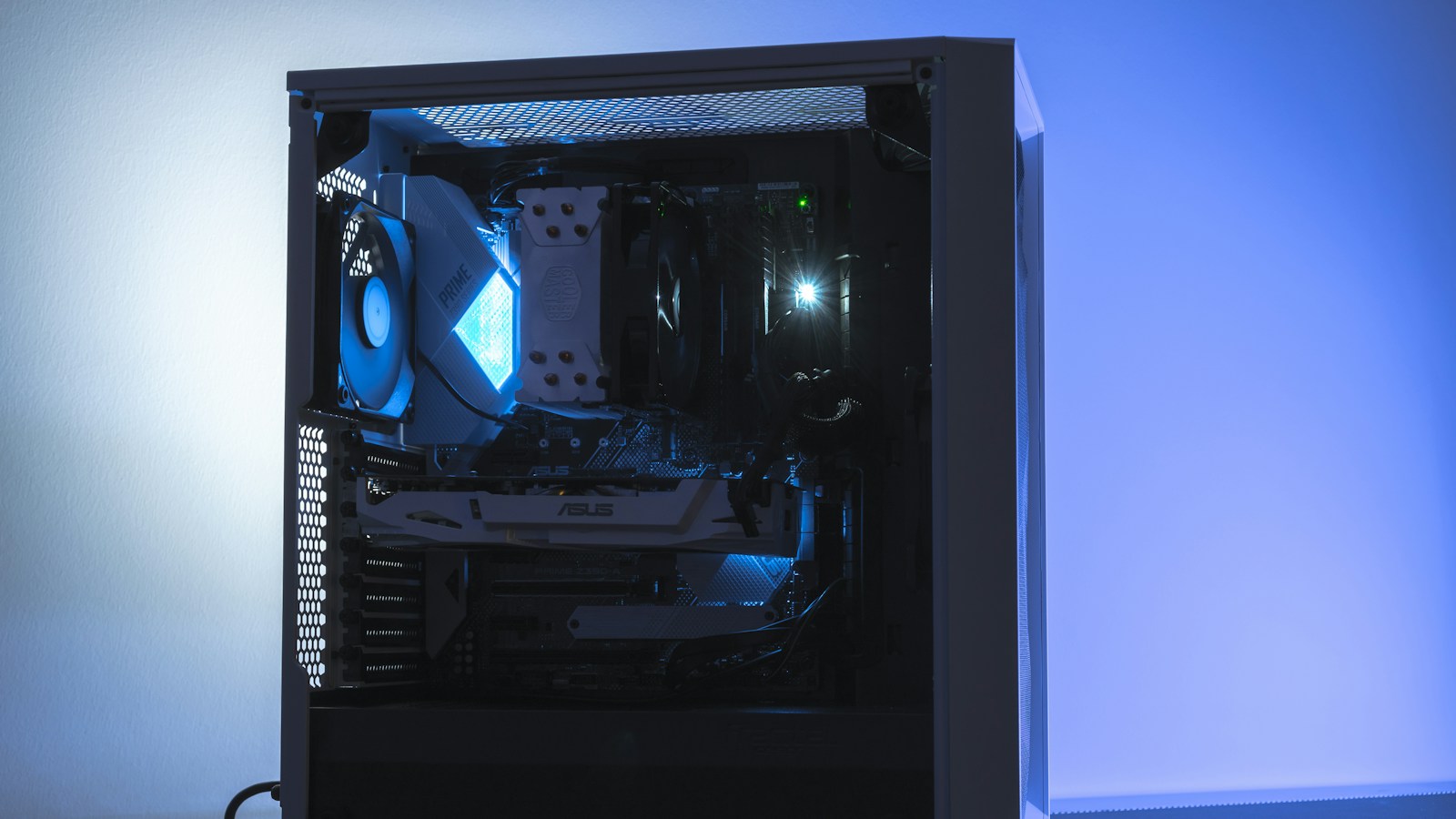
A gaming PC always has a limiting component. The useful question is not whether a bottleneck exists, but which part limits the game, at your settings, in the scene you actually play. You can answer that without trusting a generic online calculator or buying hardware first.
What a CPU or GPU bottleneck means
The CPU prepares game logic, simulation, draw calls, networking, and other work needed for each frame. The GPU renders that frame at the chosen resolution and quality settings. If the CPU cannot prepare frames quickly enough, the graphics card waits. If the GPU cannot render them quickly enough, the CPU waits.
A bottleneck is workload-specific. A large multiplayer match may be CPU-limited while the same game becomes GPU-limited at 4K with ray tracing. Menu screens, cutscenes, crowded cities, and quiet corridors can all produce different results. Intel’s guide to PC bottlenecks similarly emphasizes that almost any component can limit performance and that CPU and GPU pairings must be evaluated together.
Signs of a GPU bottleneck
- GPU utilization stays close to its practical maximum during the slow scene.
- Reducing resolution or graphics quality produces a clear FPS increase.
- Enabling ray tracing, higher shadows, or heavier anti-aliasing lowers frame rate.
- CPU utilization and individual core load leave visible headroom.
A GPU bottleneck is often the expected result in a visually demanding game. It means the graphics card is being used effectively. You only need to change it if the achieved frame rate or image quality is below your target.
Signs of a CPU bottleneck
- GPU utilization falls well below maximum while frame rate remains limited.
- Lowering resolution from 1440p to 1080p barely changes FPS.
- One or more CPU cores are saturated even though total CPU usage looks moderate.
- Frame rate drops in crowds, physics-heavy scenes, strategy turns, or high-player-count matches.
Total CPU percentage can be misleading. A game may heavily load a few threads while other cores stay mostly idle, so a 40 percent overall reading does not prove that the processor has spare capacity. Inspect per-core graphs and frame times, not only the average number.
Run a repeatable five-minute test
- Choose a demanding, repeatable scene or built-in benchmark.
- Disable the frame-rate cap and V-Sync temporarily so the hardware can reveal its limit.
- Record FPS, frame time, GPU utilization, GPU power, and per-core CPU activity.
- Run the same scene at your normal settings.
- Lower resolution and GPU-heavy settings, then repeat without changing anything else.
If FPS rises substantially when GPU load is reduced, you were primarily GPU-bound. If FPS barely moves while GPU utilization falls, the CPU or another system component is likely holding the frame rate back.
NVIDIA’s free FrameView utility measures frame rate, frame times, power, and utilization across a wide range of graphics cards. The Windows Game Bar performance widget and vendor overlays can also provide a quick first look. Use the same tool for every run so its measurement method remains consistent.
Do not confuse a bottleneck with stutter
Low average FPS and uneven frame delivery are different problems. A shader compilation hitch, asset streaming pause, thermal throttle, full storage drive, background task, or insufficient memory can create stutter even when the CPU and GPU are otherwise balanced. Our guide to shader compilation stutter explains one common source of intermittent spikes.
Also check temperatures and clock speeds. A powerful processor running at reduced clocks because of heat or a conservative power limit can imitate a weak CPU. A graphics card connected through fewer PCIe lanes usually loses less performance than people assume, but the exact impact depends on generation and workload. See our PCIe x16 versus x8 guide before moving components unnecessarily.
Which component should you upgrade?
Upgrade only after the test identifies a repeatable limit. A GPU upgrade makes sense when utilization is consistently high and you want more resolution, ray tracing, or visual quality. A CPU upgrade makes sense when you target very high refresh rates, the GPU is regularly underused, and lowering graphics settings does not solve the limit.
Consider the whole platform cost. A CPU change may require a motherboard and memory; a GPU may need a stronger power supply or larger case. Sometimes the best fix costs nothing: cap FPS to a stable value, reduce one expensive setting, close background software, update drivers, or enable an existing platform feature. Measurement first prevents the most expensive kind of bottleneck diagnosis, replacing the wrong part.