
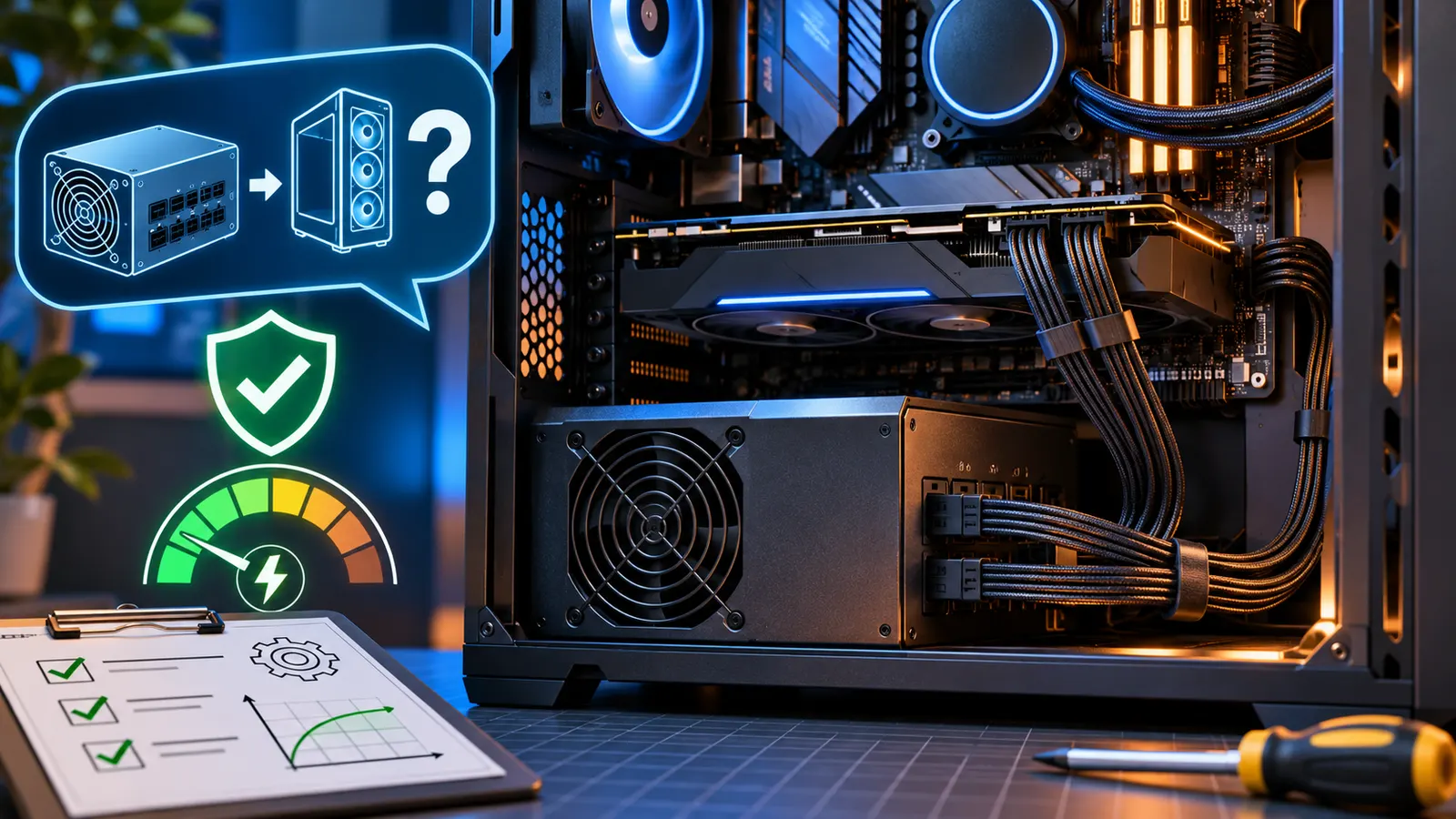
A high-wattage power supply does not push its full rated wattage into your PC. A 1,000-watt PSU connected to a system using 450 watts supplies roughly what the components request, not 1,000 watts. When the unit is compatible, properly installed, and well made, extra capacity will not damage the CPU, GPU, or motherboard.
The real risks are quality, cabling, connector fit, and inadequate protection, not a large number printed on the box. This guide explains how much headroom is sensible and when an oversized PSU is simply wasted money. If you are diagnosing weak gaming performance rather than power failures, start with our CPU versus GPU bottleneck guide.
Why a bigger PSU does not force extra power
Wattage is the unit’s maximum output capacity under specified conditions. It is not a fixed amount delivered at all times. Intel’s power-supply selection guide gives a simple example: if a system draws 500 watts, a 750-watt PSU still supplies about 500 watts. The higher rating means it can provide more if the hardware demands it.
That is why upgrading from a quality 650-watt model to a quality 850-watt model will not make a graphics card run at a dangerous voltage. The motherboard and graphics card regulate the power they receive through standardized rails and connectors. A proper PSU maintains those voltages within specification across its supported load range.
What can actually damage a PC
Reusing the wrong modular cables is a major danger. The connectors on the PSU side are not universally wired, even when they physically fit. Never reuse modular cables from a different power supply unless the manufacturer explicitly lists them as compatible. Use the cables supplied with the new unit.
A poorly built or failing PSU is another risk. Wattage alone says nothing about voltage regulation, component quality, or protections. Over-voltage, over-current, over-power, short-circuit, and over-temperature protection help shut the unit down when conditions become unsafe. A reputable model with clear specifications is more valuable than an unknown “1,000W” unit.
Loose high-power connectors can overheat. Fully seat the GPU power plug until it clicks, avoid a sharp bend directly at the connector, and inspect it after moving the PC. For current high-end GPUs, a native 12V-2×6 cable from a compatible ATX 3.1 supply can reduce adapter clutter. Our guide on whether a GPU should run at PCIe x16 or x8 covers a separate compatibility question that does not change PSU wattage needs by itself.
How much headroom should you buy?
Add the realistic draw of the CPU and GPU, then account for the motherboard, drives, cooling, fans, and USB devices. The graphics card maker’s recommended system PSU is a useful floor because it normally includes some headroom. A calculator from the PSU manufacturer can provide a second estimate.
Intel suggests that a PC expected to use around 500 watts could reasonably use a 600- or 650-watt supply. For a gaming build, roughly 20% to 30% headroom is a practical starting point, with more room if you plan a power-hungry GPU upgrade, heavy overclocking, or many drives and pumps.
Modern GPUs can create brief power spikes above their typical draw. An ATX 3.0 or ATX 3.1 supply is designed with those transient loads in mind. That does not mean every new PC needs 1,200 watts. It means the PSU’s standard, connectors, and continuous output matter along with the headline rating.
Is an oversized PSU less efficient?
Efficiency changes with load. Most certified units are efficient across a broad middle range, but a huge PSU running a very low-power PC may spend more time outside its best efficiency zone. The difference is usually a cost and energy-use question, not a hardware-safety problem. Check the efficiency curve for the exact model if quiet idle operation or electricity use matters.
Fan behavior can also vary. Some larger units offer a zero-RPM mode at low loads, while others may not be the quietest choice for your case. Physical size matters too: confirm the PSU fits the case and leaves room for cables.
The practical answer
An oversized, high-quality PSU will not damage a PC just because it can deliver more wattage. Buy enough capacity for the current build, sensible transient headroom, and one realistic upgrade. Spend the remaining budget on build quality, the right standard, a strong warranty, and cables that fit your GPU correctly.