
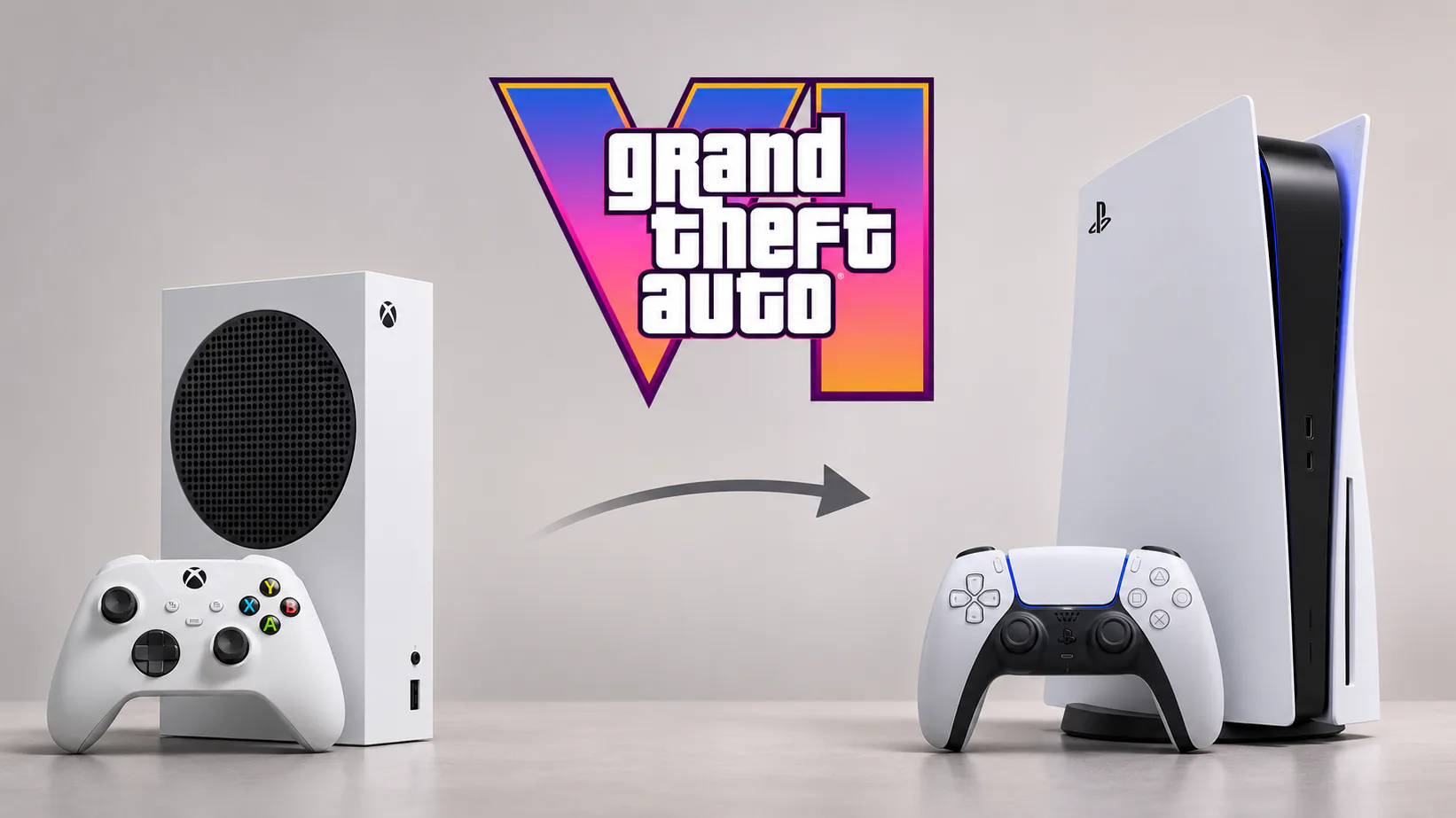
You started GTA 6 on Xbox Series S, spent hours exploring Vice City, and then watched footage of the game running on PS5. The image looks sharper. The temptation to switch is real. But before buying another console, there’s a more important question than resolution: will your save file come with you?
Short answer: As of November 20, 2026, Rockstar Games has not confirmed a way to transfer GTA 6 story saves between Xbox Series X|S and PS5. That goes both ways. Moving from Xbox to PlayStation is different from upgrading within the same console family, and that distinction could save you a frustrating restart.
Why a Series S player might want GTA 6 on PS5
Xbox Series S is the smaller, less powerful member of Microsoft’s current-generation family. It can run GTA 6, but the first technical comparisons highlight the compromises needed to make such an ambitious open-world game work on the hardware. PS5 and Xbox Series X generally deliver a clearer-looking picture, with more room for demanding effects.
That doesn’t mean everyone on Series S needs to upgrade. A game can still be enjoyable at a lower internal resolution, especially if you’re playing from the couch rather than counting pixels. But if you’re considering spending hundreds of dollars to get a cleaner image, your existing progress should be part of that decision.
And if you’re still weighing which console to use, our earlier look at what Rockstar actually confirmed for GTA 6 before launch provides some context for the game’s platform rollout.
Can you transfer a GTA 6 save from Xbox Series S to PS5?
There is no officially confirmed Xbox-to-PS5 save-transfer feature for GTA 6 right now. A game appearing on both platforms doesn’t automatically mean a save created on one will load on the other.
Xbox cloud saves are tied to Microsoft’s gaming ecosystem. PlayStation’s cloud storage and console-transfer options are tied to Sony’s. Neither service, by itself, converts an Xbox GTA 6 story save into a PlayStation save.
What about linking both console accounts to the same Rockstar Games account? That may connect certain account-level services, but account linking is not proof of GTA 6 cross-save support. Rockstar would need to explain and enable a supported migration process. Until then, assume that your Xbox story progression stays on Xbox.
The reverse is true, too. A player leaving PS5 for Xbox Series X should not expect their single-player progress to appear simply because they signed into the same Rockstar account.
Xbox Series S to Series X is a different story
If your goal is better GTA 6 graphics without abandoning your save, upgrading to Xbox Series X is the more straightforward route.
Both consoles use the Xbox ecosystem, and Microsoft’s saved-game systems are designed to synchronize progress between Xbox Series S and Xbox Series X when you use the same account. Microsoft’s Xbox save-data requirements describe how this cross-device continuity is supposed to work.
Before the move, finish your current session, keep the Series S online long enough to sync, then launch GTA 6 on the Series X with that same Xbox account. Make sure your latest save is available on the new console before resetting or selling the old one. This is still a smart precaution even when a cloud-save system is designed to handle the transfer automatically.
A digital Xbox game purchase is normally associated with your Microsoft account, not a specific Series S unit, so the same Xbox edition should remain accessible on Series X under the applicable licensing rules. That’s another reason this upgrade is simpler than switching console brands.
What about PS5 to PS5 Pro?
That’s another move within the same family. Sony supports moving games and saved data between PlayStation consoles. Eligible PS5 cloud saves are also available through PlayStation Plus when you sign in with the same PlayStation account.
None of that makes a PS5 Pro an Xbox save importer. If you started GTA 6 on Series S, buying a more powerful PlayStation won’t automatically bring the campaign with you.
Didn’t GTA Online allow players to migrate?
Yes, and that’s why the confusion is understandable. Rockstar previously provided account and profile migration options for GTA Online across specific console generations. But a migration feature in GTA 5 or GTA Online is not evidence that GTA 6 supports the same thing.
There’s also a distinction between cross-play and cross-save. Cross-play is about people on different platforms playing together. Cross-save is about carrying your own progress between platforms. One does not guarantee the other.
Should you buy a PS5 just for better GTA 6 graphics?
Think about what you’re actually upgrading. If GTA 6 performance is the only concern and you’re already deep into the story on Series S, Series X is worth considering first. It provides more powerful Xbox hardware while keeping you inside the environment where your game and save already live.
If you want a PS5 for its other games, controller, friends, or overall ecosystem, that can be a perfectly reasonable choice. Just budget for the possibility of buying GTA 6 again and starting the story over. An Xbox digital license doesn’t ordinarily grant you the PlayStation edition.
We also covered what GTA 6’s physical edition actually includes, which is useful if you’re considering a disc-drive PS5 or switching from a digital-only Series S.
Before switching, do these three things
First, make sure the game has finished saving and syncing on your original console. Second, don’t erase or trade in that console until you’ve opened and verified your current save on the replacement. Third, if you’re changing from Xbox to PlayStation or vice versa, check Rockstar Support for any newly announced GTA 6 migration instructions.
Rockstar could add or clarify a transfer option later. But that’s a possibility, not a promise. Right now, Series S to Series X is the safer upgrade for preserving Xbox progress; Series S to PS5 remains an unconfirmed cross-platform transfer.