
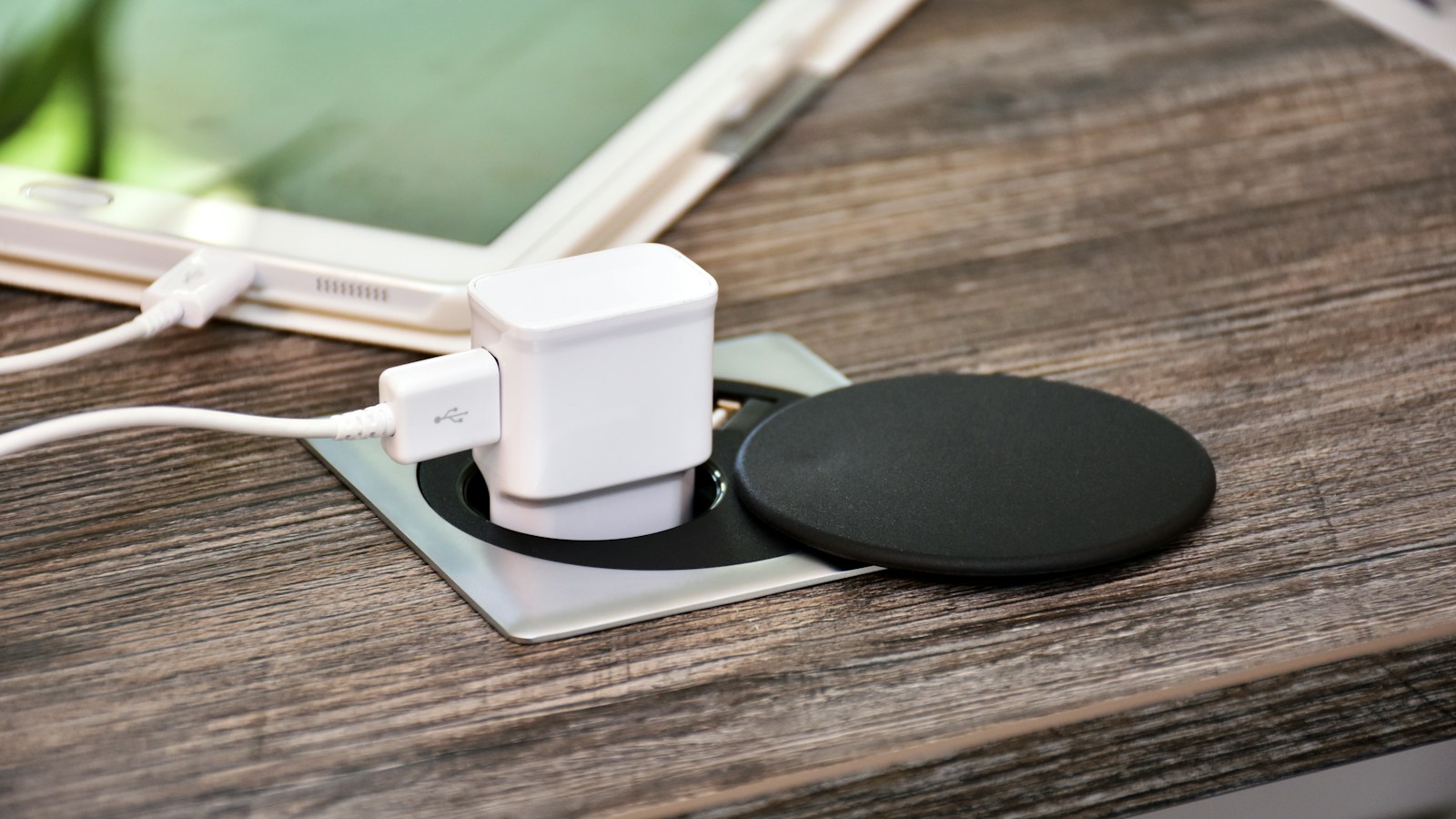
USB-C made the connector simpler, but it did not make every charger and cable identical. Two cables can fit the same port while supporting different wattage, data speed, and video capabilities. The safest way to buy is to treat the device, charger, and cable as a three-part system.
What USB Power Delivery actually does
USB Power Delivery, usually shortened to USB PD, is the charging protocol that lets a device and power source negotiate voltage and current. A laptop does not blindly accept everything a 140W charger can produce. It requests a supported power level, and the charger responds with an agreed profile.
The USB Implementers Forum says current USB PD can deliver up to 240W. Fixed voltage levels of 28V, 36V, and 48V enable 140W, 180W, and 240W operation, while lower-power devices can request only what they need. That negotiation is why a high-wattage USB PD charger can safely charge a phone, provided the charger and cable follow the standard.
The charger wattage is a ceiling, not a command
A 100W charger does not force 100W into every connected device. If a phone accepts 27W, it will normally draw no more than its negotiated limit. If a laptop can accept 100W but the charger supplies only 65W, charging should still work, but it may be slower or may not keep pace during gaming, rendering, or other heavy loads.
Start with the device’s required or recommended wattage. A small phone charger may be fine for overnight charging, while a performance laptop can need substantially more power. Our guide to the Surface Laptop Ultra is a good example of why high-performance systems should be paired with power accessories sized for their workload.
Multiport chargers add another complication. Their advertised maximum is often shared. Plugging in a second device can reduce the power available to the first port, so read the per-port allocation chart rather than relying on the large number printed on the box.
Why the cable can become the bottleneck
The connector shape does not reveal the cable’s limit. A USB-C cable may be designed for basic charging and USB 2.0 data, or it may handle high-speed data, display output, and much higher power. The cable must support the wattage negotiated by the charger and device.
For certified USB-C-to-USB-C products, USB-IF requires a 60W or 240W power marking. Faster data cables should also show their supported data rate, such as 20Gbps. Those labels are much more useful than vague phrases like “fast charging.”
For charging above 60W, use a cable explicitly rated for the required power. High-power cables contain an electronic marker that identifies their capabilities. A low-rated cable may cause the system to fall back to a lower charging level even when the charger and laptop could go faster.
Charging speed and data speed are separate
A cable rated for 240W is not automatically a fast data cable. USB-IF’s labeling guidance allows USB 2.0 cables rated for 60W or 240W, and those can still top out at 480Mbps. Likewise, a cable built for high-speed data needs a separate power rating.
This distinction matters for external SSDs, docks, monitors, and capture devices. If the goal is only charging, prioritize the correct wattage. If you also need video or fast file transfers, look for both the power rating and the USB data rate. Thunderbolt or USB4 support should be stated explicitly rather than assumed from the plug.
A simple buying checklist
- Check the device: Find its maximum or recommended USB PD input.
- Check the charger: Confirm the relevant port can supply that wattage, especially when several ports are occupied.
- Check the cable: Look for a 60W or 240W marking and the data-speed label you need.
- Prefer certified products: USB-IF certification provides a clearer compliance signal than generic marketing claims.
- Allow headroom: A charger with extra capacity can be useful for future devices, but only if the cable also supports the target power.
Can a powerful charger damage a smaller device?
A compliant USB PD charger should not damage a lower-power device merely because its maximum wattage is higher. The negotiated connection determines the delivered power. The greater risks come from counterfeit accessories, damaged cables, poorly implemented products, or chargers that do not follow the standard.
The practical rule is simple: match the device requirement, verify the charger’s per-port output, and choose a cable with clearly marked power and data capabilities. USB-C becomes predictable once those three labels are read together.