
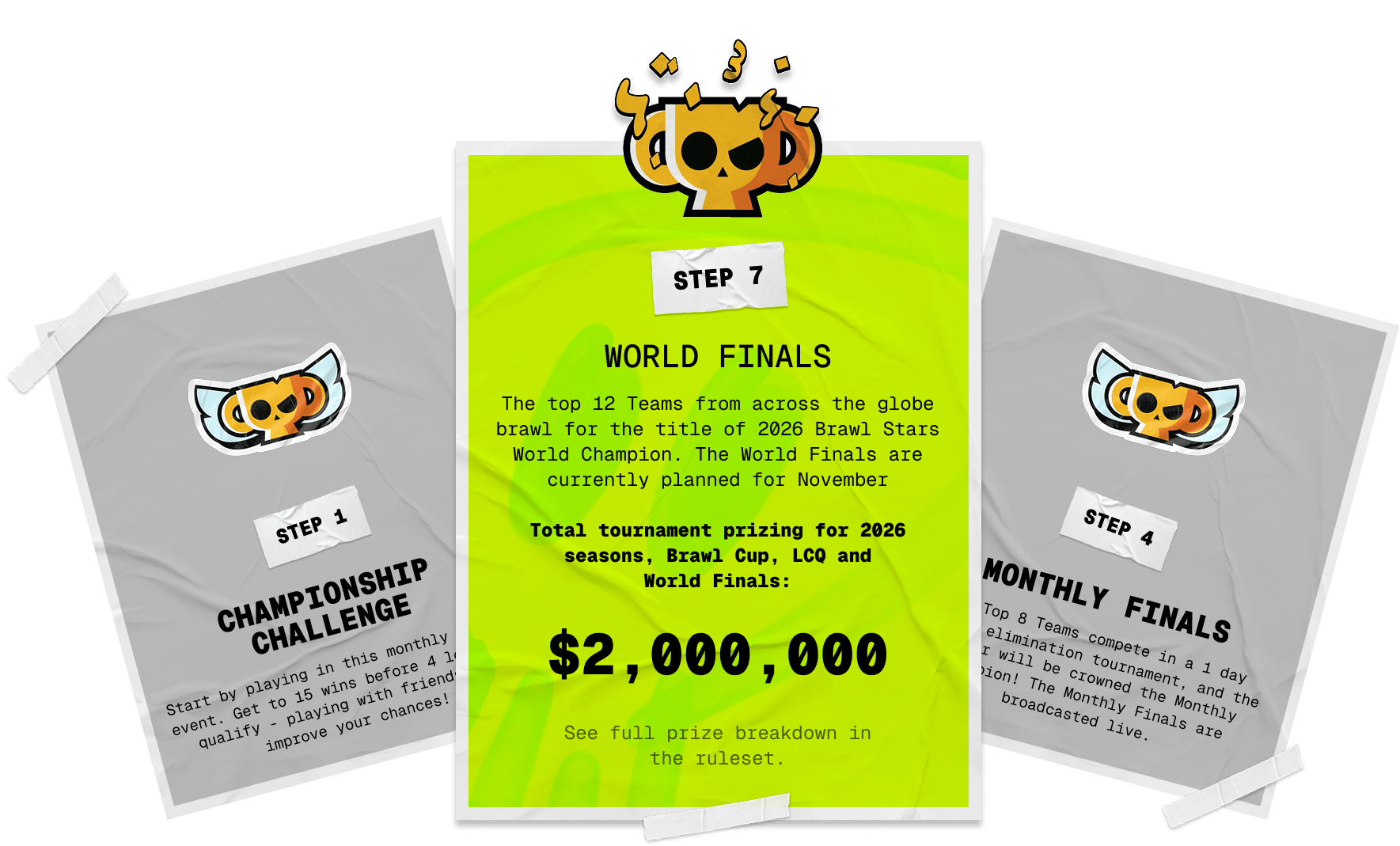
The next Brawl Stars Championship broadcast begins Saturday, October 17 at 6:00 a.m. UTC, with a second day scheduled for Sunday, October 18 at the same hour. For many US viewers, that means staying up late Friday or waking up very early Saturday.
The official event site also has predictions open and a viewer reward track. Here is how the timing and rewards work without missing the previous-evening start on the West Coast.
Brawl Stars October 17 start time in the US
Day 1 starts at these local times:
- 11:00 p.m. PDT on Friday, October 16
- 12:00 a.m. MDT on Saturday, October 17
- 1:00 a.m. CDT on Saturday, October 17
- 2:00 a.m. EDT on Saturday, October 17
Day 2 follows the same pattern one day later: 11:00 p.m. PDT on Saturday, October 17, then midnight Mountain, 1:00 a.m. Central, and 2:00 a.m. Eastern on Sunday, October 18.
The Pacific date is the easy part to miss. Setting a reminder for “October 17” can put you an entire day late if you live on the West Coast.
What you need before the stream
Use the official Brawl Stars Championship event page, sign in with the Supercell ID connected to your Brawl Stars account, and make sure the correct player profile appears. The page says players need at least 1,000 trophies, which unlocks Ranked, before they can collect Pro XP toward viewer rewards.
Do this before the broadcast. Fixing an account link while matches are already running can cost prediction windows and interactive points. If the live page says your connection is active in another window, close the duplicate tab or use the takeover control so the stream you are actually watching can track activity.
How to earn viewer rewards
Watching alone is only part of the system. Supercell awards progress for interacting through the official event page. The available actions include:
- Submitting match predictions before the show
- Making live predictions during the broadcast
- Cheering during matches
- Voting for the most valuable player
- Answering quizzes when they appear
The event page shows your progress on its reward track. Exact cosmetics and drops can change between broadcasts, so rely on the live track in your signed-in account instead of an old screenshot or recycled rewards list. Claim buttons and prediction prompts may appear only during limited windows.
Make predictions before the first match
Predictions were available on the official page as of October 14. You do not need to know every team to participate, but you should submit every available pick because unanswered matches cannot generate correct-prediction progress.
During the show, keep the official page open rather than watching only through an embedded video elsewhere. A separate YouTube stream may show the matches, but it cannot reliably credit the account actions handled by Supercell’s event platform.
A simple event-day checklist
- Log in with the Supercell ID attached to your main Brawl Stars account.
- Confirm that the profile has at least 1,000 trophies.
- Submit all pre-show predictions.
- Open the event page ten minutes before the local start time.
- Keep only one active event window and respond to cheers, quizzes, MVP votes, and live predictions.
- Check the reward track before closing the page.
If you want another competitive live-service event to prepare for, our Fortnite Solo Ranked Cup guide explains Epic’s region rules and tournament entry steps.
The key takeaway
The October 17 Brawl Stars broadcast is practical for US viewers only if the time conversion is handled correctly. Pacific players begin Friday night, while Eastern players start early Saturday morning. Sign in, qualify for Pro XP, predict before the show, and use the official interactive page throughout the broadcast. That is the reliable path to earning whatever rewards appear on the live track.