
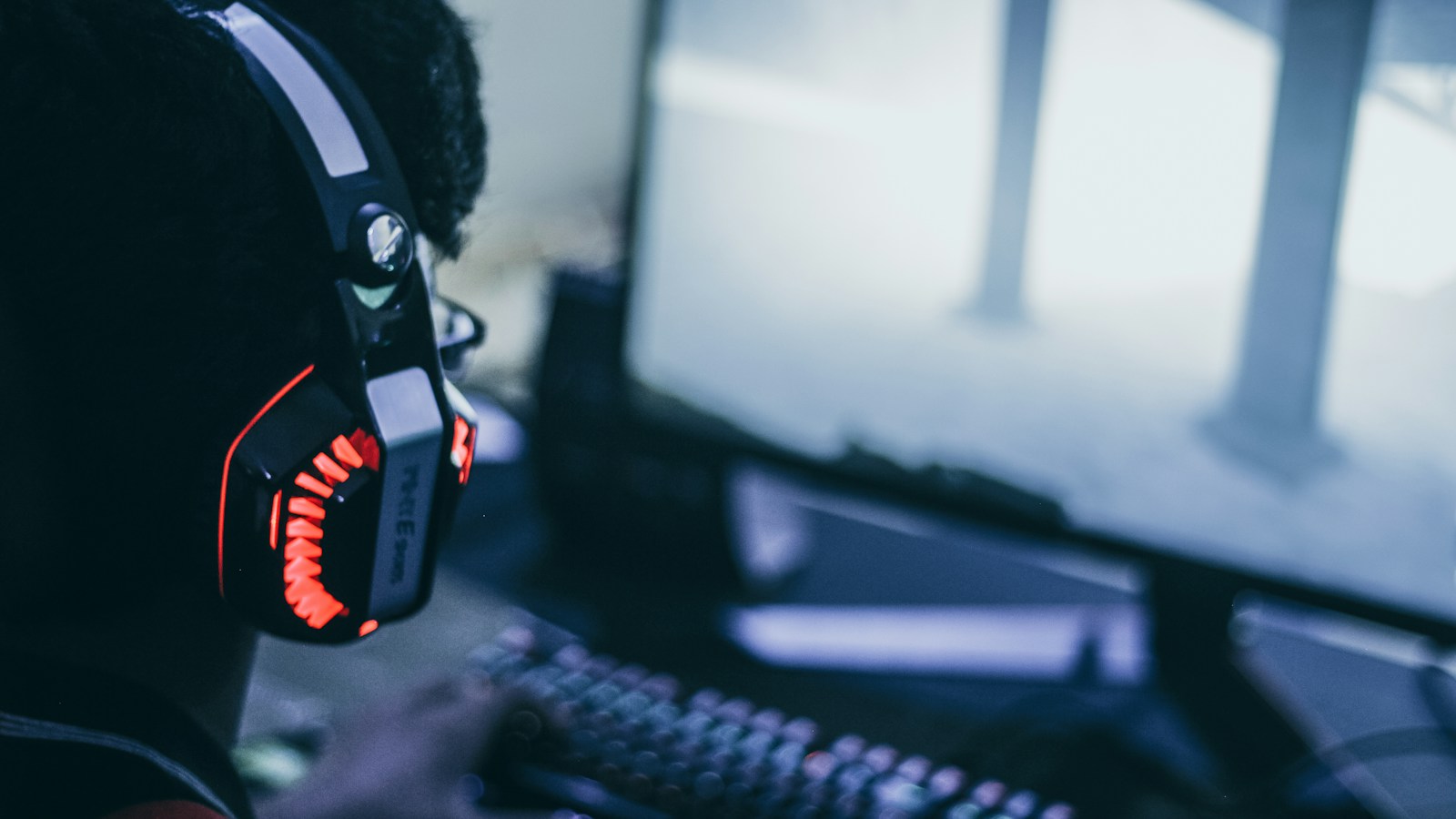
Roblox voice chat is not enabled by default, and verifying a phone number is no longer enough to unlock it. To use the feature, your account must be age checked, you must be at least 13, and the experience you join must support voice. The controls can then be managed inside the experience.
Roblox voice chat requirements
According to the current Roblox voice chat instructions, an eligible account needs all of the following:
- The user must be 13 or older.
- The account must complete an age check through ID Verification or Facial Age Estimation.
- The feature must be available in the account’s region.
- The Roblox experience must have voice chat enabled by its developer.
Phone verification does not grant voice access under the current rules. Roblox also says voice communication is organized with users of similar age groups. An age check can unlock eligibility, but it does not force every game to offer the feature.
For families reviewing broader account settings, our Roblox parental controls guide covers content maturity, screen time, spending limits, and linked parent accounts.
How to turn on voice chat
- Complete ID Verification or Facial Age Estimation on the Roblox account.
- Join an experience that supports voice chat.
- Look for the headphone icon and select it to connect to voice.
- You can also open the in-experience settings and use the Voice Chat control.
- Use the microphone button to mute or unmute yourself when needed.
On PlayStation, Roblox specifically directs players to choose Join Voice from the in-experience settings. The official Voice FAQ also lists desktop, mobile, VR, PlayStation, and Xbox as supported platforms, although individual experiences can still disable voice.
Why the Join Voice option is missing
If the headphone icon or Voice Chat toggle does not appear, work through these checks in order.
Confirm the age check completed
A birthday entered on the profile is not the same as a completed age check. Return to the account’s verification area and confirm that ID Verification or Facial Age Estimation finished successfully. Availability of verification methods can vary by account and region.
Try another voice-enabled experience
Developers choose whether to support voice chat. A missing control in one experience does not prove that your account is ineligible. Test an experience that clearly advertises voice support, then reconnect.
Update Roblox and restart the device
An outdated client can leave account features or interface controls out of sync. Install the latest Roblox update, fully close the app, restart the device, and sign in again. On mobile and consoles, also confirm that the operating system allows Roblox to use the microphone.
Check microphone permission and input selection
On Windows, macOS, iOS, Android, and consoles, privacy settings can block microphone access even after Roblox voice is enabled. Grant permission to Roblox and verify that the correct headset or built-in microphone is selected. Disconnecting unused Bluetooth devices can help when audio is routed to the wrong input.
Consider regional availability
Roblox maintains a country list in its official Voice FAQ. The United States is included for age-checked 13+ users. If you are traveling, using a managed network, or the account region is inconsistent, the feature may not appear until eligibility can be confirmed.
Voice chat safety basics
Voice communication is immediate, so use the same caution you would use in any public multiplayer space. Do not share a real name, school, address, phone number, passwords, or financial details. Mute disruptive players and use Roblox’s reporting tools for harassment, threats, or attempts to move a conversation to a private platform.
Parents should decide whether voice fits the player’s maturity, not only whether the account qualifies. A 13+ label is an eligibility threshold, not a guarantee that every conversation will be appropriate. Review the settings together and make sure the player knows how to disconnect quickly.
What voice chat does not change
Voice access does not affect Robux, gift card credit, or purchases. If you are troubleshooting account credit instead, follow our separate guide on redeeming a Roblox gift card. Voice chat also does not carry into every Roblox experience automatically.
The practical rule is simple: complete an approved age check, join a voice-enabled experience, connect with the headphone control, and verify device permissions if the microphone stays silent. If the option never appears after those steps, regional or account eligibility is the likely blocker.