Remember handing a cartridge to your sibling and asking for it back next weekend? Digital Nintendo games have a version of that arrangement now. If you own a compatible downloaded game on Nintendo Switch or Switch 2, you can lend it to another Nintendo Account in your family group.
There is a catch that makes the whole system easier to understand: lending the virtual game card works more like giving someone a cartridge than creating a second copy of your game. You need to plan around who gets to play and when.
Make sure you need to lend the game in the first place
Suppose you have a Switch in the living room and your daughter wants to play a digital game on that same machine. If your virtual game card is loaded on that console, other users on it can generally play the game too. There is no need to initiate a family loan just to switch profiles.
The lending feature is for a different situation: another member of your family group wants to use the game on their own console. Nintendo’s guide to sharing purchased games explains the distinction between local access and family lending.
Also check compatibility before handing over a game. A title made exclusively for Switch 2 doesn’t become playable on the original Switch just because you can see it in a digital library.
Set up the loan on both consoles
First, make sure the people involved are in the same Nintendo Account family group and their accounts are linked to the correct console users. Update both consoles, connect them to the internet and place them near one another.
Open Virtual Game Cards on the lender’s HOME screen, choose the account that owns the game, select the game and choose Lend to Family Group Member. Select the intended borrower, then confirm the loan.
On the receiving console, open the same Virtual Game Cards area under the borrower’s user profile and choose Borrow. Complete any identity verification requested by the system.
Keep both devices nearby until the exchange is complete. The borrowing process is designed around local proximity, not sending a game remotely to a relative across the country.
What happens during the 14-day loan?
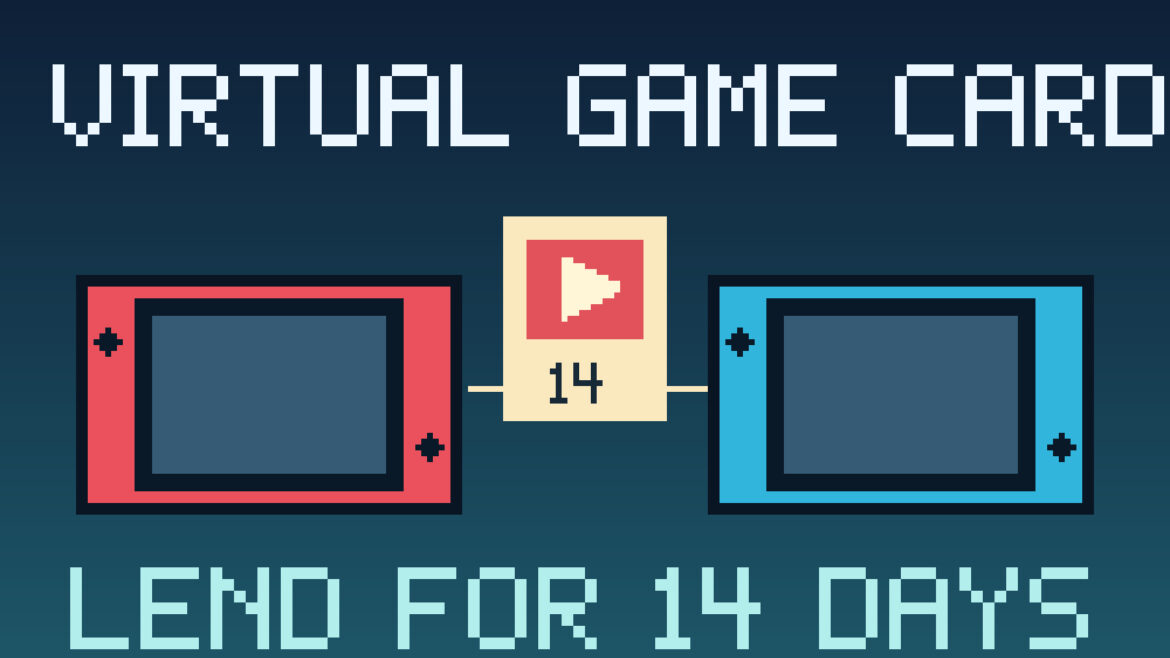
The game returns automatically after two weeks. In the meantime, the owner cannot play that lent card. A borrower can return it before the deadline, and the owner can retrieve it early. Nintendo also imposes limits: one borrowed card per borrower and receiving console, up to three active loans per lender, and restrictions on titles that cannot be lent.
These rules come from Nintendo’s Virtual Game Card Guide, which also covers how purchased downloadable content is handled during a loan.
Imagine two kids who both want to play the same digital adventure on separate consoles every afternoon. Lending is a poor fit for that routine, since the owner loses access during the loan. For a single-player game that one person has already finished, it makes a lot more sense. You can pass it along without buying another copy just for a short holiday.
Why the family member or loan option is missing
Start with the obvious account checks before touching anything else. The user selected on the lending console needs to be the account that bought the title. The other player must appear in the same family group.
If somebody already has a borrowed game, return it before attempting another loan. A console shared by users from multiple family groups can also run into lending restrictions. Don’t remove profiles or change family membership without first checking the consequences for saves and account access.
Finally, a loan does not make incompatible hardware compatible. If you’re buying for a household with both generations of Switch, our Switch 2 bundle guide can help you think about which system and games you actually need.
How to return the game early
The borrower can find the lent card in Virtual Game Cards and use its return option. The owner can collect it through their own card menu. Once the loan is finished, the owner can use the game again.
Before arranging a loan, agree on when the original owner will need the game back. That little conversation is still useful, even when the cartridge has disappeared.