
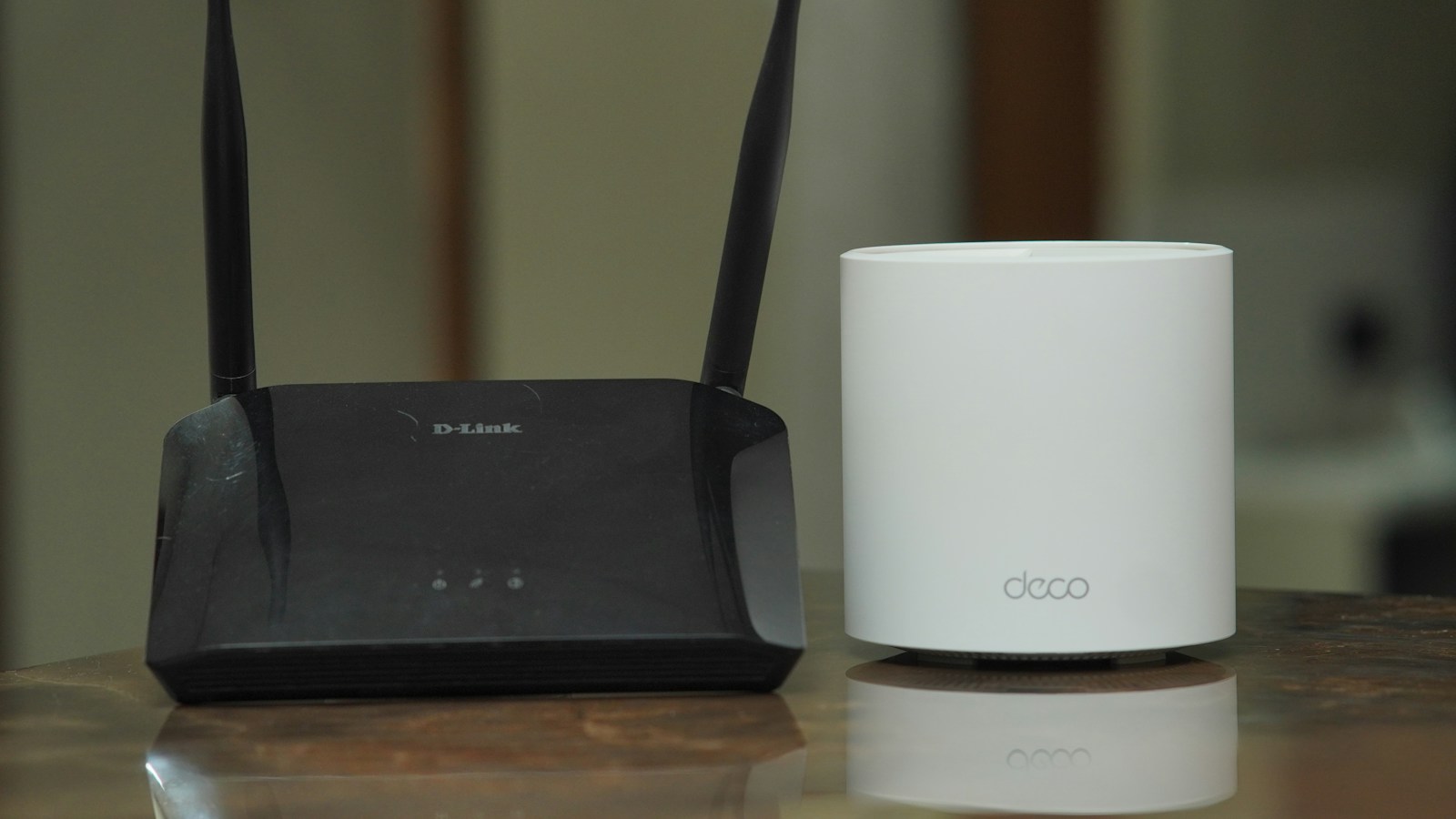
A mesh system and a Wi-Fi range extender can both reach a room where your router struggles, but they do not solve the problem in the same way. For gaming, the best choice depends less on the number printed on the box and more on how each device connects back to the main router.
The short answer for gamers
Choose a range extender when you have one small dead zone, a limited budget, and no need for seamless roaming around the house. Choose mesh Wi-Fi when several rooms or floors need reliable coverage, multiple people move between access points, or you want one managed network.
For the lowest and most consistent latency, use Ethernet from the gaming device to the main router or use a mesh system with wired backhaul. A wireless mesh is usually more convenient than an extender, but convenience does not automatically make every packet faster.
How a range extender works
A range extender listens to the existing Wi-Fi signal and rebroadcasts it farther into the home. It is inexpensive and can fix a single weak room, but it must receive a healthy signal before it can repeat one. Installing it inside the dead zone gives it almost nothing useful to relay.
Some extenders create a separate network name, while others reuse the main name. Devices may remain connected to the weaker access point instead of switching at the ideal moment. That matters for phones and handhelds moving through the house, although a stationary console or desktop is less affected by roaming behavior.
The extra wireless relay can also reduce available throughput or add variability when the same radio handles both the client and the connection back to the router. This is not guaranteed to ruin online games, but an unstable hop can produce jitter even when a speed test reports a high download rate.
How mesh Wi-Fi is different
A mesh network uses coordinated routers or points that operate as one system. Google’s explanation of how mesh networks work describes multiple connectivity points broadcasting around the home and selecting paths between them.
Mesh systems generally provide one network name, centralized updates, device steering, and easier expansion. Those features make them better suited to a larger house than a collection of unrelated extenders. However, a wireless mesh point still needs a strong connection to another point. Adding too many nodes or placing them too far apart can make performance worse rather than better.
Why backhaul matters more than the label
Backhaul is the connection carrying traffic from the remote node to the primary router. It can be wireless or wired.
- Wireless backhaul: easier to install, but shares radio time and depends on signal quality between nodes.
- Dedicated wireless backhaul: some tri-band systems reserve a band for node-to-node traffic, reducing contention.
- Ethernet backhaul: usually the most stable choice because each node has a wired path to the network.
Google’s official wired backhaul instructions confirm that compatible Nest and Google Wi-Fi routers can be connected through Ethernet. Product capabilities vary, so check whether the specific mesh points you are buying actually include Ethernet ports.
Connecting a console by Ethernet to a wireless mesh point does not create a fully wired path. The first hop is wired, but the mesh point may still send traffic wirelessly to the main router. This can improve the local device connection while leaving the backhaul as the main limit.
Which setup gives better gaming latency?
Neither product can reduce the distance to the game server or repair congestion at your internet provider. Their job is to improve the local link inside your home. A good setup reduces packet loss and jitter, which often matters more than headline download speed.
Test latency from the room where you play. Compare an Ethernet baseline at the main router, Wi-Fi from the original router, and the proposed extender or mesh location. Run several tests at busy evening hours and watch for spikes, not only the lowest ping.
Our guide to Wi-Fi 7 Multi-Link Operation explains how compatible devices can use multiple links, while the gaming NAT guide covers matchmaking and connection restrictions. Mesh coverage cannot fix a strict NAT configuration, and an open NAT cannot compensate for weak Wi-Fi.
Best placement for either option
Place a wireless extender or mesh point roughly between the main router and the problem room, where it still receives a strong signal. Keep it away from metal cabinets, thick concrete, microwaves, and crowded electronics. Higher and more open placement usually works better than hiding it behind furniture.
For one console in one room, an affordable extender with an Ethernet port may be enough. For several rooms, mobile devices, and long-term expansion, a mesh system is the cleaner investment. If Ethernet backhaul is possible, prioritize that feature over inflated speed claims.